

B2B portal and order management system for business customers
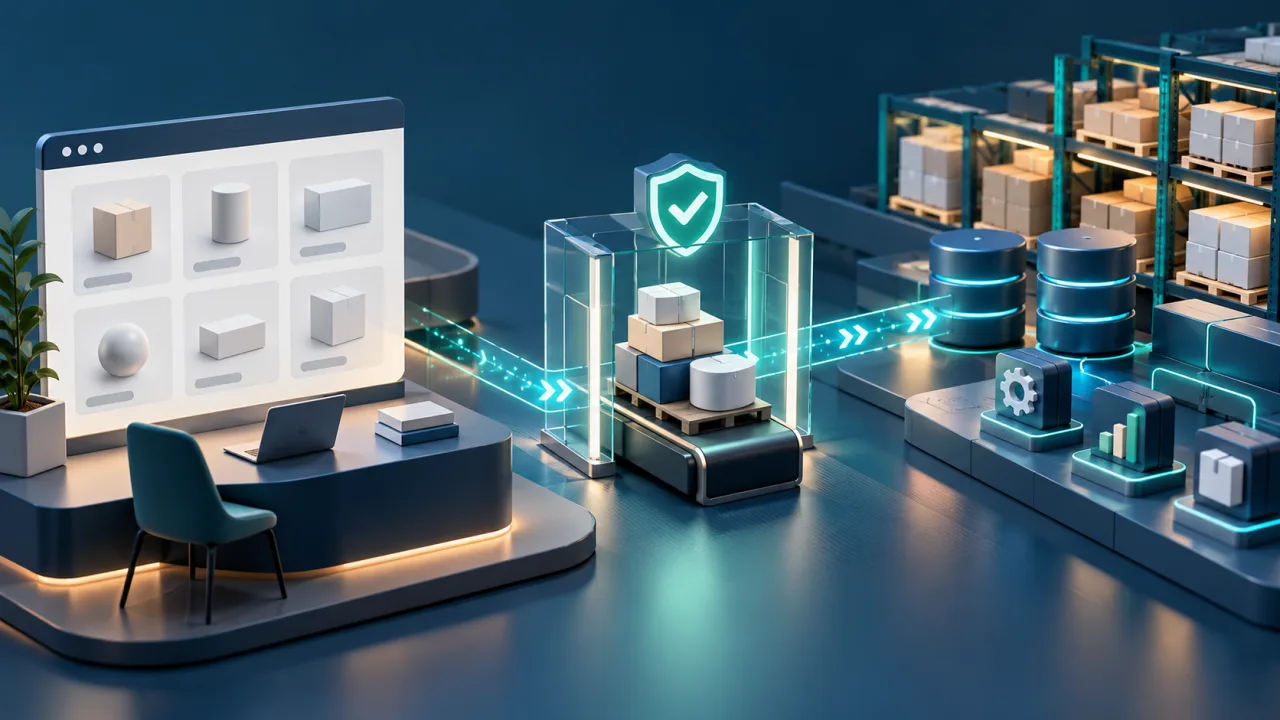
We do not begin with a fixed feature list. First, we establish who places orders, where products, prices and availability come from, and what should happen after an order is submitted.
When does a B2B portal make sense?
A portal is worth considering when a regular business customer needs a dedicated place to work with the product range and orders. Common signs include:
- orders arrive by email, phone or in different files;
- an employee re-enters order lines into another application;
- different customers receive different prices, discounts or product ranges;
- the same questions about availability and order status arise every day;
- a missing product requires manual arrangements;
- the company wants to show each customer their documents, history or statuses without exposing the internal system;
- data and permissions for multiple customers must remain separate.
A portal is not necessary simply because the company sells to other businesses. With a small number of straightforward orders, a form, an agreed spreadsheet or a feature of the current store may be enough. A custom solution makes sense when the rules governing the offer, ordering or subsequent handling are an important part of the process and do not fit a standard tool.
B2B portal, API, integration or CRM?
These solutions can work together, but they are not the same thing.
| Solution | Who uses the interface | When it usually fits |
|---|---|---|
| B2B portal | A business customer who signs in through a browser | The customer should browse their range, place orders and check their status independently |
| Partner API | The customer's system | The customer wants to retrieve the offer or submit orders without manual work in a portal |
| System integration | Applications on both sides of the process | Data from the portal or API must reach an ERP, warehouse, accounting system or another application |
| CRM | Primarily the company's employees | The company needs to manage relationships, sales opportunities, tasks, contact history and internal sales work |
| Internal order module | Employees who handle the process | The customer still orders through another channel, but the company needs one place for subsequent handling |
One company may need both a portal and an API based on the same offer. Another may only need to connect its existing online store with a warehouse system. We choose the solution from the process, not from the name of a technology.
What can a portal for business customers include?
We shape the scope around the real sales process. It may include:
A product range tailored to the customer
The customer sees products, variants, prices, discounts and documents assigned to their account. First, we need to identify which system provides this data and who is allowed to change it.
Availability and ordering rules
Displaying a warehouse quantity is not always enough. We need to define whether availability means physical stock, sellable quantity, a reservation or an indicative figure. That meaning affects the messages shown and the subsequent handling of the order.
A basket or order form
The process may support units, case packs, minimum quantities, customer purchase order numbers, delivery locations, dates and required notes. These are examples to be agreed, not a fixed feature set for every project.
Statuses and documents
The customer may check agreed fulfilment stages and download documents intended for them. We need to establish which system provides each status and when the information is reliable enough to display.
Roles and permissions
One customer organisation may have several buyers, an approver and separate read-only users. Each customer must see only the data, prices, orders and documents available to their account and role.
Integrations
The portal may exchange data with an ERP, warehouse, accounting system, store, carrier system or the company's own application. We confirm whether a connection is possible only after checking documentation, permissions and the test environment.
This is not a ready-made package that always includes every element. The first stage should solve one important flow and have clear acceptance criteria.
Key decisions before work begins
Where does the main product range live?
We need to identify the source of names, codes, variants, prices and descriptions. If several applications can change the same item, one of them must be designated as the authoritative source.
What does availability really mean?
Stock can change between displaying the offer and accepting an order. We decide whether the system should reserve goods, confirm the order immediately or send it for later verification.
Who may see and change the data?
Prices, discounts, documents and order history can differ by company and role. Permissions must be enforced throughout the process, not merely by hiding a button on the screen.
What happens after an order is submitted?
The order may go to an internal panel, ERP, warehouse or an employee for approval. We need to define its identifier, initial status, correction rules and how the customer learns the outcome.
How are failures and retries handled?
A broken connection must not silently lose an order or create a duplicate when the request is retried. The responsible person should be able to see what was accepted, what is pending and what needs attention.
How do we verify that the first stage works?
Acceptance criteria follow the process, not only the appearance of the screens. For an example portal, we can verify whether:
- a customer sees only their own product range, prices, orders and documents;
- a valid order reaches the correct customer account and includes every line;
- an unavailable product, invalid quantity or missing required field produces a clear message;
- retrying the same operation does not create a second order;
- a status change comes from the agreed source and is visible to the right person;
- an integration failure leaves enough information for someone to act;
- data in the portal and the company's system can be compared after the scenario is complete.
We agree such scenarios before acceptance. This keeps the result from being reduced to a form having sent data or an API having returned no error.
You can begin with a smaller scope
The entire portal does not have to be delivered in one stage. The first release may cover:
- one group of business customers;
- a limited catalogue or one type of order;
- one complete path from placing an order to confirmation;
- manual approval inside the company;
- one connection to a source system;
- a basic set of statuses and messages.
A smaller scope makes sense only if it forms a complete, useful process. It should not be divided at a point that forces employees to re-enter the same data or leaves the order without a responsible owner.
Experience: HUB-2-API
In 2018, we built a system for a company selling automotive parts on the German market. HUB-2-API imported a large product list from Excel, published and edited listings on eBay.de, retrieved orders and provided a panel for handling them.
Three of the customer's clients in France used the B2B API. Their systems could retrieve the offer, check availability and place orders. The customer no longer had to manage every marketplace offer change manually, while its partners could submit orders through an organised channel.
This is a historical project that is no longer in use. We do not present it as a ready-made portal or a current integration. It does, however, demonstrate our experience in connecting a catalogue, availability, orders, an operational panel and a B2B channel.
Read the full HUB-2-API case study.
How do we begin working together?
- We briefly qualify the need. A free call of up to 20 minutes helps establish who orders, where the offer lives and which part of the process causes the greatest problem today. It is not an analysis or a finished estimate.
- We decide whether analysis is required. With many roles, pricing rules, data sources or uncertain integrations, we propose a separate paid stage. If we later deliver the project, the paid analysis fee is included in the total project cost.
- We choose the first useful stage. We record the scope, system responsibilities, important exceptions, acceptance criteria, schedule and individual estimate.
- We build and test the full flow. We test not only a valid order, but also missing data, an availability change, a retry and a connection failure.
- We agree further development and support. Additional customer groups, features and integrations are delivered as separately agreed stages.
You do not need to prepare a technical specification. For the first call, a description of the current ordering process, the applications in use and the situations that require manual work is enough.
Frequently asked questions
Will a B2B portal replace our CRM or ERP?
It does not have to. The portal is the customer's channel. A CRM may continue to manage relationships and sales, while an ERP or warehouse application manages the offer, stock and documents. The integration scope depends on the capabilities of those systems and the agreed data source.
Can different customers have different prices and products?
Such a solution can be designed if the rules are clear and there is a reliable source for products and prices. Before confirming the scope, we need to check exceptions, customer identification and the way data is updated.
Can the portal and API work together?
Yes. The portal can serve people who prefer to order in a browser, while the API serves partners using their own systems. Both channels should apply the same rules for the offer, permissions and order acceptance.
Can we use data from Excel?
A spreadsheet can be the source of an initial import or a supported exchange channel. We still need to check identifiers, formats, missing values and responsibility for updates. For regular operation, a warehouse system, ERP or another company application may be a better source.
How much does a B2B portal cost and how long does it take?
The cost and schedule depend on factors such as the number of roles, pricing rules, catalogue, availability logic, order flow, integrations and data migration. We confirm them after defining the scope. For a more complex process, we first estimate a separate analysis stage.
Do we have to move every customer to the portal at once?
No. You can begin with a selected group, a limited offer and one complete ordering scenario. The process must remain coherent and the rules for customers still outside the portal must be clear.
What should you send first?
In your first message, describe:
- who places orders and how they do it today;
- where the product range, prices and availability are kept;
- which applications take part in subsequent handling;
- which data is re-entered manually;
- which exceptions most often require contact with an employee;
- what the customer should be able to check without calling or emailing.
Do not send passwords, API keys, database copies, real orders or customer data through the form. If such materials become necessary, we will agree a secure way to transfer them after the engagement has been arranged.
CTA: Describe your order process
If you would first like to organise the basic information yourself, use the free project brief builder.
See also system integrations and APIs, custom CRM and order management systems, and business analysis and application MVP scope.
Documents in a business customer process
If documents submitted by a business customer require verification, approval, correction or transfer to another application, see our document workflow and DMS offer.
Describe your project
We design B2B portals for companies that want to organise sales to regular business customers. A customer can see the right product range, place an order and check its status, while the data follows the agreed process inside the company.